Article Categories
- Baldur's Gate 3
- Diablo
- Elder Scrolls
- General
- Hogwarts Legacy
- League of Legends
- Minecraft
- Pokemon Go
- Sims 4
- StarCraft
- Steam Platform
- Xbox Game Console
More Articles
Change installation path of Minecraft Launcher? (Not the game)
When downloading and installing the minecraft launcher from the offical website, there is no step for me to choose the install path and its always in C:XboxGames. Anyway for me to change the path into C:GameLaunchers?
Question from user Uduru at stackexchange.
Answer:
Yes! When I downloaded and ran the legacy .msi launcher install from Mojang, it asked where I wanted to install the launcher. Set that to your target directory and you are good to go! You might experience issues because Windows is very picky about where you store your files. C:/ is your root directory, and Windows likes you to store and install your stuff in your user directory.
If this still causes problems and simply doesn't work or you want an easier-to-use experience, you might consider using a different launcher like MultiMC, CurseForge, or ATLauncher. They make it significantly easier to add mods and manage the location of your installations. I assume you're using Windows, so all these launchers are available for you to use. I have used all these launchers and I personally recommend CurseForge. It is very user-friendly and has access to arguably the largest modpack database in the Minecraft community.
If you use Linux, or if anyone comes across this post with a similar issue, you can go to the same link but install the Other Distributions tarball and run tar -xzf minecraft.tar.gz. This will create a /minecraft directory you can move where you like. All the launchers I mentioned work for Linux except CurseForge. They still haven't added Minecraft support for some reason.
Answer from user TheEngineerGuy at stackexchange.
When downloading and installing the minecraft launcher from the offical website, there is no step for me to choose the install path and its always in C:XboxGames. Anyway for me to change the path into C:GameLaunchers?
Question from user Uduru at stackexchange.
Answer:
Yes! When I downloaded and ran the legacy .msi launcher install from Mojang, it asked where I wanted to install the launcher. Set that to your target directory and you are good to go! You might experience issues because Windows is very picky about where you store your files. C:/ is your root directory, and Windows likes you to store and install your stuff in your user directory.
If this still causes problems and simply doesn't work or you want an easier-to-use experience, you might consider using a different launcher like MultiMC, CurseForge, or ATLauncher. They make it significantly easier to add mods and manage the location of your installations. I assume you're using Windows, so all these launchers are available for you to use. I have used all these launchers and I personally recommend CurseForge. It is very user-friendly and has access to arguably the largest modpack database in the Minecraft community.
If you use Linux, or if anyone comes across this post with a similar issue, you can go to the same link but install the Other Distributions tarball and run tar -xzf minecraft.tar.gz. This will create a /minecraft directory you can move where you like. All the launchers I mentioned work for Linux except CurseForge. They still haven't added Minecraft support for some reason.
Answer from user TheEngineerGuy at stackexchange.
How do I fix my system crashing randomly when Minecraft chat is opened?

What happens to my boarding party if the enemy ship surrenders?
Minecraft Texture Pack on Server over FTP
Cannot figure out why the door will not open in Hogwarts Legacy
The orgasm of male companions + Raphael

When do enemies get added to to the Piklopedia?

Is there a minimum amount of Zen that I should offer to buy on the dilithium exchange?
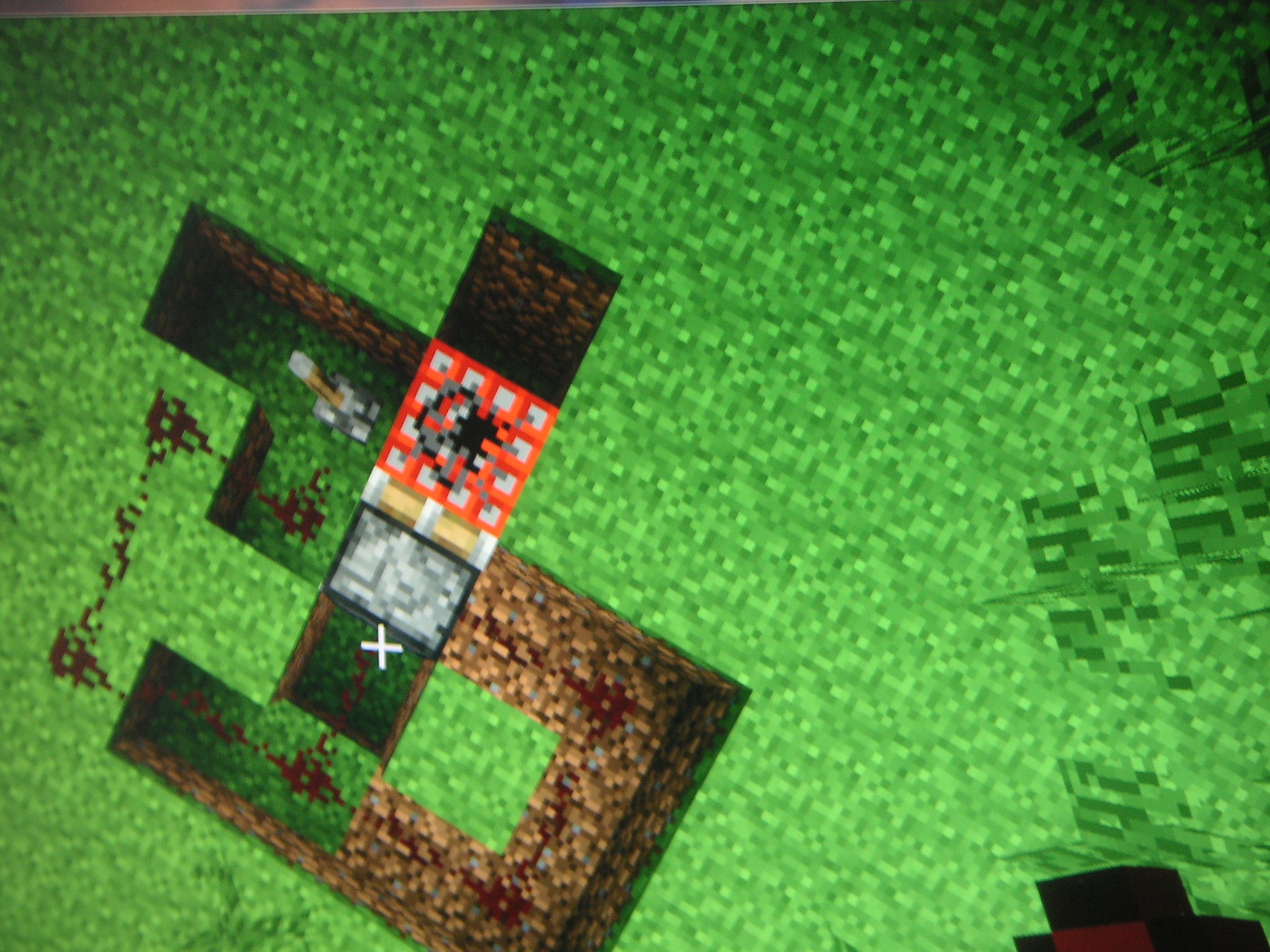
How can I activate an area of redstone all at once?
Kagha arrange for Halsin's imprisonment? What was her plan?
Will I still get weapon discounts in Ratchet & Clank 3 with a Ratchet & Clank 1 new game+ save?