Article Categories
- Baldur's Gate 3
- Diablo
- Elder Scrolls
- General
- Hogwarts Legacy
- League of Legends
- Minecraft
- Pokemon Go
- Sims 4
- StarCraft
- Steam Platform
- Xbox Game Console
More Articles
Is it possible to entirely disable updates for a game on Steam?
I thought I'd found information about this before, but now it seems gone. Is it possible to disable updates on a Steam game? I'd like to play an old version of a single-player game, because the most recent version doesn't work with mods.
Question from user lahwran at gaming.stackexchange.com.
Answer:
Unfortunately, there are no ways to completely disable updates for a particular game via Steam.
You can look at (and set) the update options for a game through Steam by following these steps:.
Select "LIBRARY" from the top menu.
Right click on the corresponding game within your Steam library.
Select "Properties." from the menu that appears.
Select "UPDATES" from the side menu on the properties window.
Select the dropdown under "AUTOMATIC UPDATES" to view available options.
Select the desired option.
As you can see, you only have three options:.
"Always keep this game updated" - tells Steam to keep the game updated, automatically.
"Only update this game when I launch it" - tells Steam to turn automatic updates off, but will still require the game to be updated if there is an update available whenever you launch it.
"High Priority - Always auto-update this game before others" - tells Steam to keep the game updated, automatically, but to prioritise updating this game over others.
Related Questions.
I almost flagged this question as a duplicate, but I understand that you are explicitly asking if there is a way to disable updates for a particular game. Here are some similar questions that are not duplicates, but may provide you with more information.
Can I run a Steam game without updating it first?: In this question, we were asked if a game can be ran without first updating it. This sort of thing could apply to things like pre-loading, and aims to avoid having to wait until after the large update to begin playing the game. It was suggested that you could activate a physical copy while in offline mode, and hope that Steam allowed you to play without realising that it needed to update; but feedback suggests that this did not work.
"Is there a way to choose what version of a game I play on Steam?: In this question, we were asked if there was a way to roll a game update back, in order to play an earlier version of the game. The short answer was that some developers do allow it, via the properties panel. The feature was designed to allow users to 'opt in' to beta patches for various games, and it is suggested that you won't have this feature for the likes of a single-player game. It is certainly worth double checking.
Answer from user user228576 at gaming.stackexchange.com.
I thought I'd found information about this before, but now it seems gone. Is it possible to disable updates on a Steam game? I'd like to play an old version of a single-player game, because the most recent version doesn't work with mods.
Question from user lahwran at gaming.stackexchange.com.
Answer:
Unfortunately, there are no ways to completely disable updates for a particular game via Steam.
You can look at (and set) the update options for a game through Steam by following these steps:.
Select "LIBRARY" from the top menu.
Right click on the corresponding game within your Steam library.
Select "Properties." from the menu that appears.
Select "UPDATES" from the side menu on the properties window.
Select the dropdown under "AUTOMATIC UPDATES" to view available options.
Select the desired option.
As you can see, you only have three options:.
"Always keep this game updated" - tells Steam to keep the game updated, automatically.
"Only update this game when I launch it" - tells Steam to turn automatic updates off, but will still require the game to be updated if there is an update available whenever you launch it.
"High Priority - Always auto-update this game before others" - tells Steam to keep the game updated, automatically, but to prioritise updating this game over others.
Related Questions.
I almost flagged this question as a duplicate, but I understand that you are explicitly asking if there is a way to disable updates for a particular game. Here are some similar questions that are not duplicates, but may provide you with more information.
Can I run a Steam game without updating it first?: In this question, we were asked if a game can be ran without first updating it. This sort of thing could apply to things like pre-loading, and aims to avoid having to wait until after the large update to begin playing the game. It was suggested that you could activate a physical copy while in offline mode, and hope that Steam allowed you to play without realising that it needed to update; but feedback suggests that this did not work.
"Is there a way to choose what version of a game I play on Steam?: In this question, we were asked if there was a way to roll a game update back, in order to play an earlier version of the game. The short answer was that some developers do allow it, via the properties panel. The feature was designed to allow users to 'opt in' to beta patches for various games, and it is suggested that you won't have this feature for the likes of a single-player game. It is certainly worth double checking.
Answer from user user228576 at gaming.stackexchange.com.
Professor Layton: are there multiple solutions to Alchemists Lair 08?
Maximum number of survivors in team Walking Dead

How to enable the lift to Engineering in Executive in System Shock?
How do redstone torches (circuits) work in Minecraft?
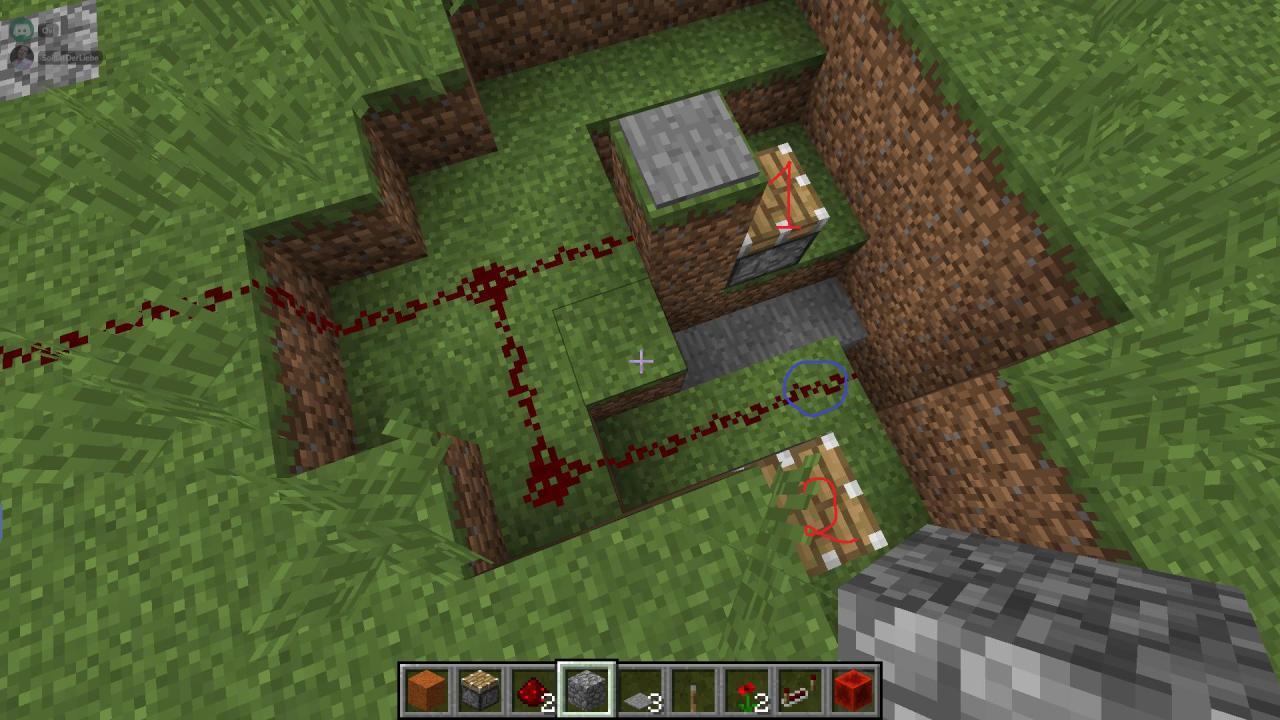
How can I activate an area of redstone all at once?


Why does Nobody Comes to Fika not unlock in Crusader Kings 3?
How do Zonaite and Zonai-based materials work together?
How do you gain treasure from fishing?
How do I take down a ufo without damaging it?