Article Categories
- Baldur's Gate 3
- Diablo
- Elder Scrolls
- General
- Hogwarts Legacy
- League of Legends
- Minecraft
- Pokemon Go
- Sims 4
- StarCraft
- Steam Platform
- Xbox Game Console
More Articles
Why isnt Minecraft using the full amount of RAM?

Before you jump to conclusions, I've tried to solve this before asking.
I cannot seem to get Minecraft to go above 5% of the allocated memory. Here's what I've done: set the max fps to like 130, updated Java, allocated like 8 gigs of RAM using the -xmx thing, and installed optifine. There is no reason my computer should lag on Minecraft. I have a GTX 980M and 16gb of RAM.
Is there some way that I can tell my computer to use more than like 400MB of RAM on Minecraft? Thanks.
Question from user Kemosabe at gaming.stackexchange.com.
Answer:
Check if your integrated graphics are being used for Minecraft. .
Right click on the desktop and open nvidia control panel (or you can go find the nvidia icon on the taskbar).
Navigate to "manage 3D settings" drop down under 3D settings.
Under the global settings tab, underneath preferred graphics processor, change it from auto detect to high performance graphics processor.
This will make your default graphics processor your GTX 980m.
For checking your power options:.
Search for "Power Options" in the search bar or search feature (Windows 10/8). Otherwise, navigate to it through the control panel. .
Click Change plan settings next to the power plan you wish to use.
Click Change advanced power settings.
Choose your desired settings then click Apply.
Click OK to save your changes.
I recommend using balanced, as this will keep the CPU from running full speed when it doesn't need to (like when the computer is idling), but will speed up the CPU when it's under load, such as playing a game. I belive there is one set of power rules for when the laptop is plugged in and when it is running on the battery, so be sure to check both. Note thay when you are running on battery power, using the high performance option will drastically lower your battery charge time. .
Hopefully this solves your lag problems. When hardware is being limited due to being on a low power mode, the symptoms you describe can occur. A GTX 980m should have no problem running Minecraft. .
Answer from user Timmy Jim at gaming.stackexchange.com.
Before you jump to conclusions, I've tried to solve this before asking.
I cannot seem to get Minecraft to go above 5% of the allocated memory. Here's what I've done: set the max fps to like 130, updated Java, allocated like 8 gigs of RAM using the -xmx thing, and installed optifine. There is no reason my computer should lag on Minecraft. I have a GTX 980M and 16gb of RAM.
Is there some way that I can tell my computer to use more than like 400MB of RAM on Minecraft? Thanks.
Question from user Kemosabe at gaming.stackexchange.com.
Answer:
Check if your integrated graphics are being used for Minecraft. .
Right click on the desktop and open nvidia control panel (or you can go find the nvidia icon on the taskbar).
Navigate to "manage 3D settings" drop down under 3D settings.
Under the global settings tab, underneath preferred graphics processor, change it from auto detect to high performance graphics processor.
This will make your default graphics processor your GTX 980m.
For checking your power options:.
Search for "Power Options" in the search bar or search feature (Windows 10/8). Otherwise, navigate to it through the control panel. .
Click Change plan settings next to the power plan you wish to use.
Click Change advanced power settings.
Choose your desired settings then click Apply.
Click OK to save your changes.
I recommend using balanced, as this will keep the CPU from running full speed when it doesn't need to (like when the computer is idling), but will speed up the CPU when it's under load, such as playing a game. I belive there is one set of power rules for when the laptop is plugged in and when it is running on the battery, so be sure to check both. Note thay when you are running on battery power, using the high performance option will drastically lower your battery charge time. .
Hopefully this solves your lag problems. When hardware is being limited due to being on a low power mode, the symptoms you describe can occur. A GTX 980m should have no problem running Minecraft. .
Answer from user Timmy Jim at gaming.stackexchange.com.
Is there any use for crystallized charges after energy cells are maxed in Zelda?

What does the orange part of my health bar mean in Like A Dragon?
Can you change your crew name?
Where to get Spring Heeled double-jump Trinket?
What language is Space Engineers programmed in?
Who do you think your character would be after graduating Hogwarts?
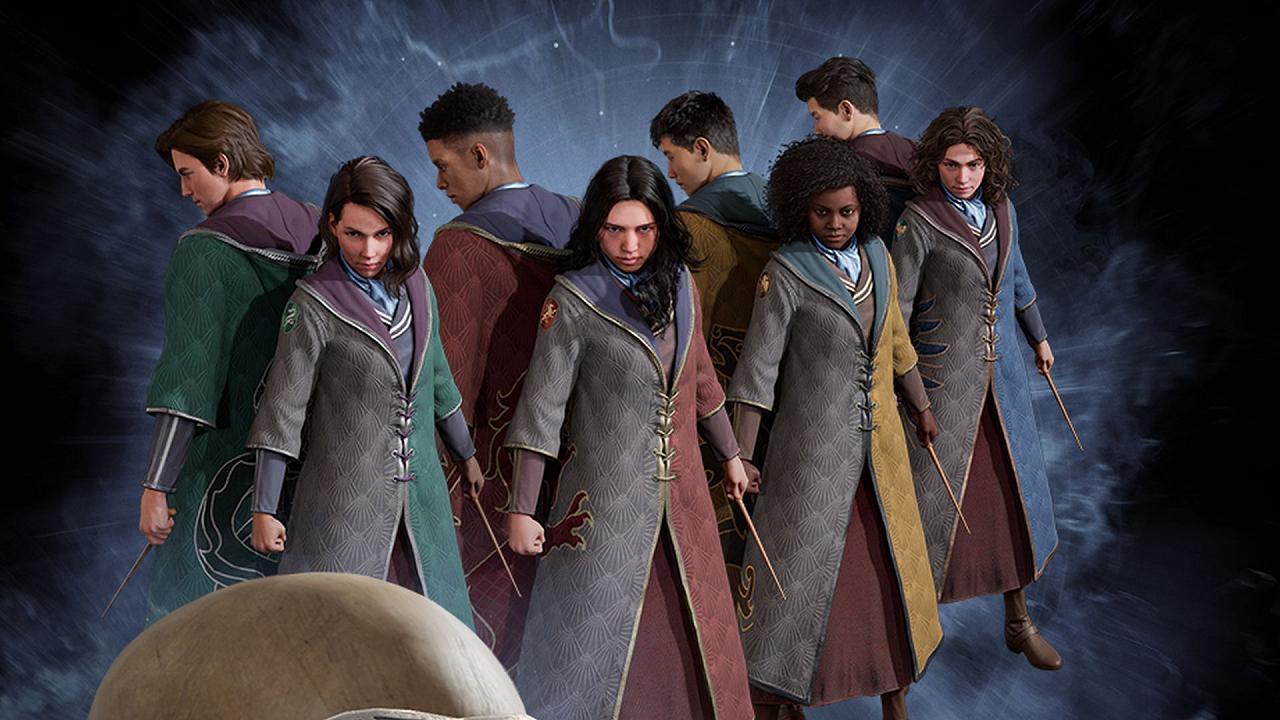
What did you all name your characters in Hogwarts Legacy?

Can I get Dishonored to stop asking for admin access whenever I run it?

Differences between PS3 and Wii version of Rock Band The Beatles

Whats this game with a cyberspace aesthetic featured in a youtube clip?