Article Categories
- Baldur's Gate 3
- Diablo
- Elder Scrolls
- General
- Hogwarts Legacy
- League of Legends
- Minecraft
- Pokemon Go
- Sims 4
- StarCraft
- Steam Platform
- Xbox Game Console
More Articles
How do I remove a Steam game from my library?

I like how Steam presents my library to me. However, there is one thing that keeps irritating me every time I open Steam: the Team Fortress 2 Beta. I don't want it, yet it is always in my games list.
I've tried contacting Steam Support since it seems I was unable to remove the games myself so far. This was their response; their only solution was to hide the games within my library:.
Thank you for contacting Steam Support.
Games cannot be removed from a Steam account.
You are free to uninstall the game (right-click on the game name and.
select "Delete local content") and change your game list to show only.
installed games.
This can be done by clicking "Show" in the upper left-hand corner.
From here, select the "Installed" option.
Another option would be to create a new category for only this title.
and then minimize the category. To create a new Category, please.
right click the game and choose "Set Category".
Then click on the category name in your Library to collapse the.
category.
If you have any further questions, please let us know.
Thus, is there a way to remove games from my Steam library permanently? To clarify, I don't mean just by uninstalling, I mean by removing it from my library forever.
Question from user Lg102 at gaming.stackexchange.com.
Answer:
Since late 2015, Steam allows you to PERMANENTLY remove games from your account!.
Steps.
Log into Steam Support.
Select Games, Software, etc.,.
Select the game from the search function that shows up.
Select the option: I want to permanently remove this game from my account.
Select the option: Ok, remove the listed games from my account permanently.
Repeat as many times as you have games you'd like to get rid of.
You can browse over your entire library and choose which software you'd like to permanently get rid of. But note, once you have removed a game from your library, it's gone permanently, so if later down the road you'd like it back you'll have to purchase it again.
You'll also need to watch out for some other issues. The thread linked above has noted that if the game is part of a bundle (HumbleBundle, etc.), removing one game from a "package" may require you to remove all the games from that specific bundle.
Answer from user childe at gaming.stackexchange.com.
I like how Steam presents my library to me. However, there is one thing that keeps irritating me every time I open Steam: the Team Fortress 2 Beta. I don't want it, yet it is always in my games list.
I've tried contacting Steam Support since it seems I was unable to remove the games myself so far. This was their response; their only solution was to hide the games within my library:.
Thank you for contacting Steam Support.
Games cannot be removed from a Steam account.
You are free to uninstall the game (right-click on the game name and.
select "Delete local content") and change your game list to show only.
installed games.
This can be done by clicking "Show" in the upper left-hand corner.
From here, select the "Installed" option.
Another option would be to create a new category for only this title.
and then minimize the category. To create a new Category, please.
right click the game and choose "Set Category".
Then click on the category name in your Library to collapse the.
category.
If you have any further questions, please let us know.
Thus, is there a way to remove games from my Steam library permanently? To clarify, I don't mean just by uninstalling, I mean by removing it from my library forever.
Question from user Lg102 at gaming.stackexchange.com.
Answer:
Since late 2015, Steam allows you to PERMANENTLY remove games from your account!.
Steps.
Log into Steam Support.
Select Games, Software, etc.,.
Select the game from the search function that shows up.
Select the option: I want to permanently remove this game from my account.
Select the option: Ok, remove the listed games from my account permanently.
Repeat as many times as you have games you'd like to get rid of.
You can browse over your entire library and choose which software you'd like to permanently get rid of. But note, once you have removed a game from your library, it's gone permanently, so if later down the road you'd like it back you'll have to purchase it again.
You'll also need to watch out for some other issues. The thread linked above has noted that if the game is part of a bundle (HumbleBundle, etc.), removing one game from a "package" may require you to remove all the games from that specific bundle.
Answer from user childe at gaming.stackexchange.com.
Is there a purpose for the Planet Scanning meters?

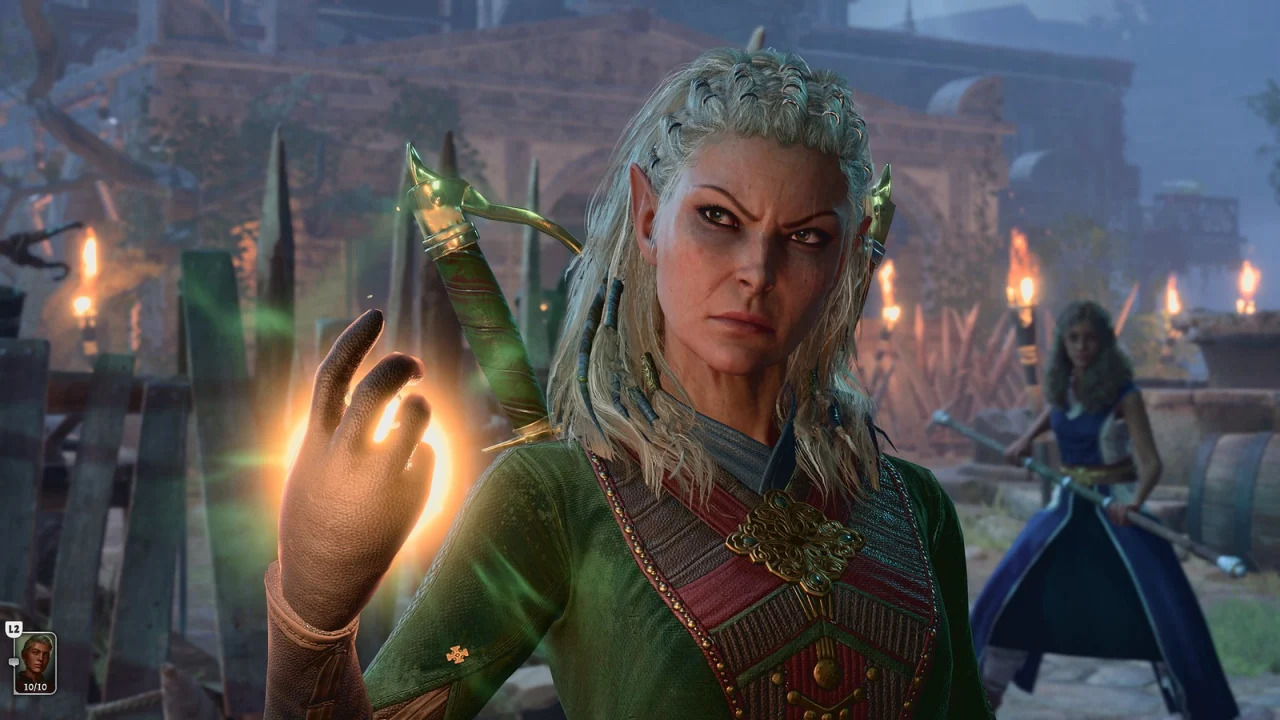

How can I earn dungeon achievements in the regular version of Cookie Clicker?
What is the record word size for a gaming system?
What constitutes a save in Overwatch 2?

Hogwarts Legacy - No makeup - beards?
Do companions level up over time? Does it matter what equipment they carry around?

BG3 Mod Path to Menzoberranzan demo aims for Nautiloid size
Why does Lae'zel hate Astarion?!