Article Categories
- Baldur's Gate 3
- Diablo
- Elder Scrolls
- General
- Hogwarts Legacy
- League of Legends
- Minecraft
- Pokemon Go
- Sims 4
- StarCraft
- Steam Platform
- Xbox Game Console
More Articles
How to learn the duration of spells in Baldurs Gate 3?
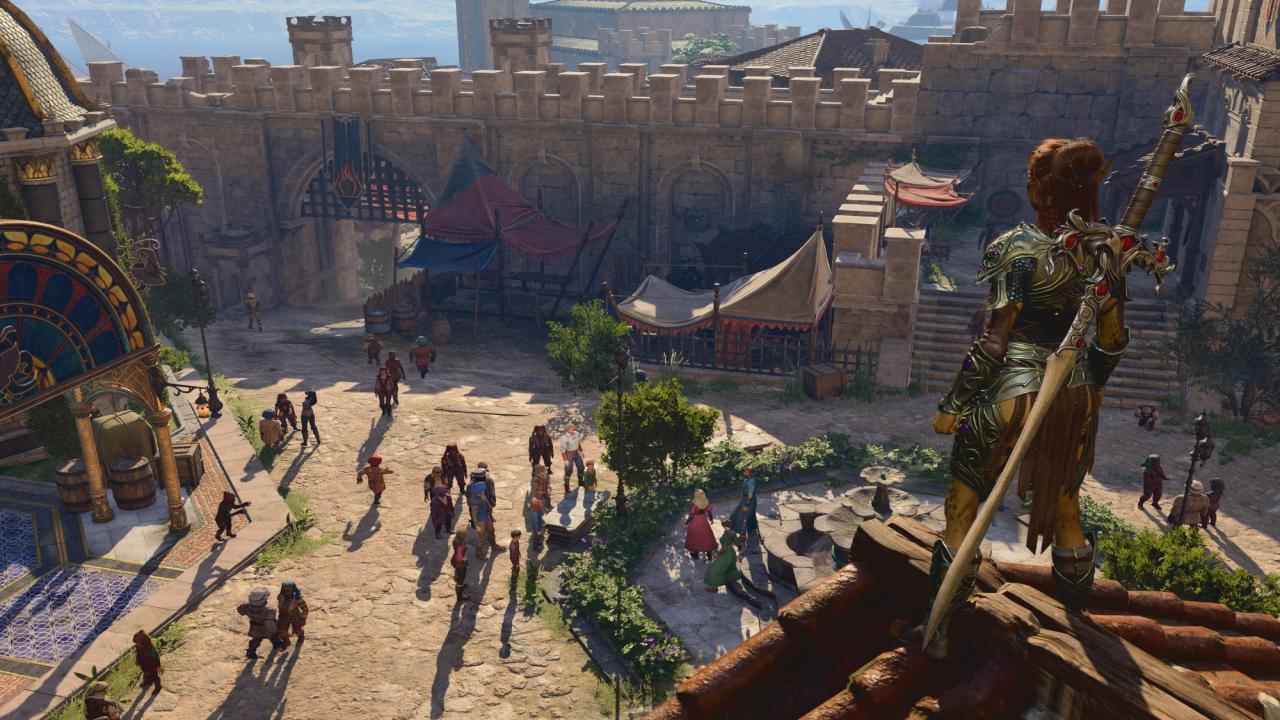
One thing that continues to annoy me is that a whole lot of spells (and potions) have no information of how long the spell will last. Neither in the spell description nor once actually cast.
For example just now I killed some rats in a cellar in Baldur's Gate using Wall of Fire, cast by Will as a level 5 warlock spell. The spell does not say how long it will last. Doing a mouse-over on the fire surface does not say how long it will last. Entering turn-based mode and passing repeatedly doesn't seem to pass time much faster. Casting create water on it will not do a thing.
So how do I know how long it will last? I did eventually go down but it took at least 5 RL minutes.
Question from user Amarth at stackexchange.
Answer:
Spell durations are visible in the spell description tooltip, between the description and the data about range, area, and concentration.
Some spells note a specific duration in rounds (whether or not they also take concentration).
Some spells note a duration of "until X rest".
Interestingly, I did find at least two concentration spells in my current party composition without a listed duration in the basic spell tooltip: enhance ability and protection from energy. Both spells allow you to pick one of several sub-variations to apply to a given casting. When I tested enhance ability, once I had selected the spell, it took me to the choice of ability to enhance, and those sub-variations did have the spell duration listed.
I would expect that if a spell lets you pick one of multiple possible ways of casting it, the same pattern would apply. If wall of fire is translated directly from pen and paper, it would allow either a line or a ring, and so would show the duration on that sub-variation tooltip.
If a character is currently concentrating on a spell, you can check the concentration icon by their character portrait when they are selected. Hovering on the icon shows the natural duration of the concentration spell. The X on the icon also allows you to end your concentration before the duration naturally expires.
Answer from user MissMisinformation at stackexchange.
One thing that continues to annoy me is that a whole lot of spells (and potions) have no information of how long the spell will last. Neither in the spell description nor once actually cast.
For example just now I killed some rats in a cellar in Baldur's Gate using Wall of Fire, cast by Will as a level 5 warlock spell. The spell does not say how long it will last. Doing a mouse-over on the fire surface does not say how long it will last. Entering turn-based mode and passing repeatedly doesn't seem to pass time much faster. Casting create water on it will not do a thing.
So how do I know how long it will last? I did eventually go down but it took at least 5 RL minutes.
Question from user Amarth at stackexchange.
Answer:
Spell durations are visible in the spell description tooltip, between the description and the data about range, area, and concentration.
Some spells note a specific duration in rounds (whether or not they also take concentration).
Some spells note a duration of "until X rest".
Interestingly, I did find at least two concentration spells in my current party composition without a listed duration in the basic spell tooltip: enhance ability and protection from energy. Both spells allow you to pick one of several sub-variations to apply to a given casting. When I tested enhance ability, once I had selected the spell, it took me to the choice of ability to enhance, and those sub-variations did have the spell duration listed.
I would expect that if a spell lets you pick one of multiple possible ways of casting it, the same pattern would apply. If wall of fire is translated directly from pen and paper, it would allow either a line or a ring, and so would show the duration on that sub-variation tooltip.
If a character is currently concentrating on a spell, you can check the concentration icon by their character portrait when they are selected. Hovering on the icon shows the natural duration of the concentration spell. The X on the icon also allows you to end your concentration before the duration naturally expires.
Answer from user MissMisinformation at stackexchange.
Can I check how many stamps Ive collected in Mementos?

Where can I contact roblox support (a real person)?

Professor Layton: are there multiple solutions to Alchemists Lair 08?
Most efficient way to tile budding amethyst?
Is reload cancelling faster in Overwatch?

Why do you think the Dark Urge kills?
Risk of Rain 2 is not reading my controller inputs?

How can I train dexteriy for a heavy weapon user?

How do I make food in Planet Crafter?